AI Cleaner app icon

Official Support

AI Cleaner: Clean Up Storage

Help for the iPhone app that reviews similar photos, duplicate photos, screenshots, large videos, contacts, Gmail cleanup opportunities, calendar events, private vault items and media compression.

Contact

For app support, feedback, subscription questions, deletion questions, Gmail cleanup questions or privacy requests, contact us by email.

litton.van@gmail.com

Please include your device model, iOS version, app version and a short description of the issue.

Product Information

App name
AI Cleaner: Clean Up Storage
Platform
iPhone and iOS
Bundle ID
com.cosine.storage.cleaner.app.aicleaner.ios
Support email
litton.van@gmail.com

Product screenshots

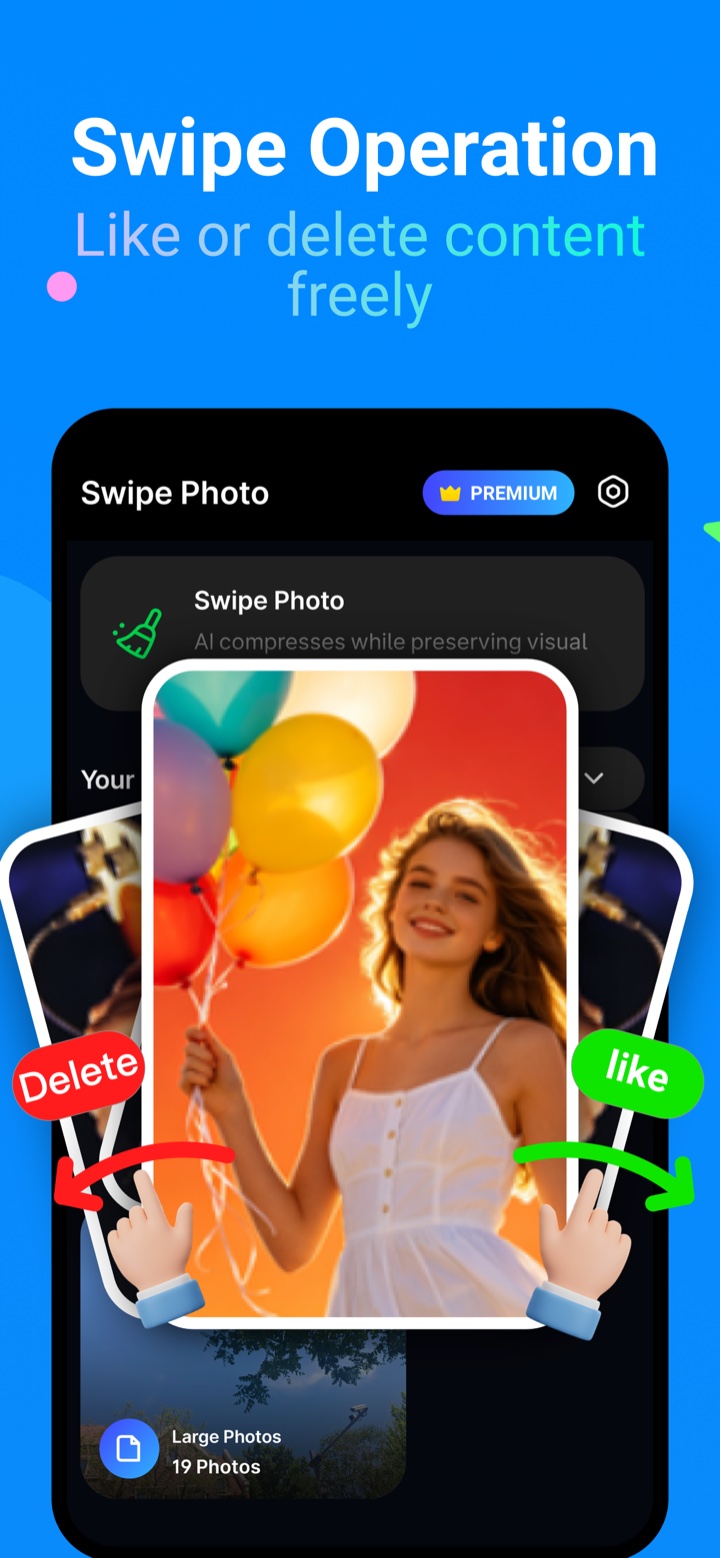
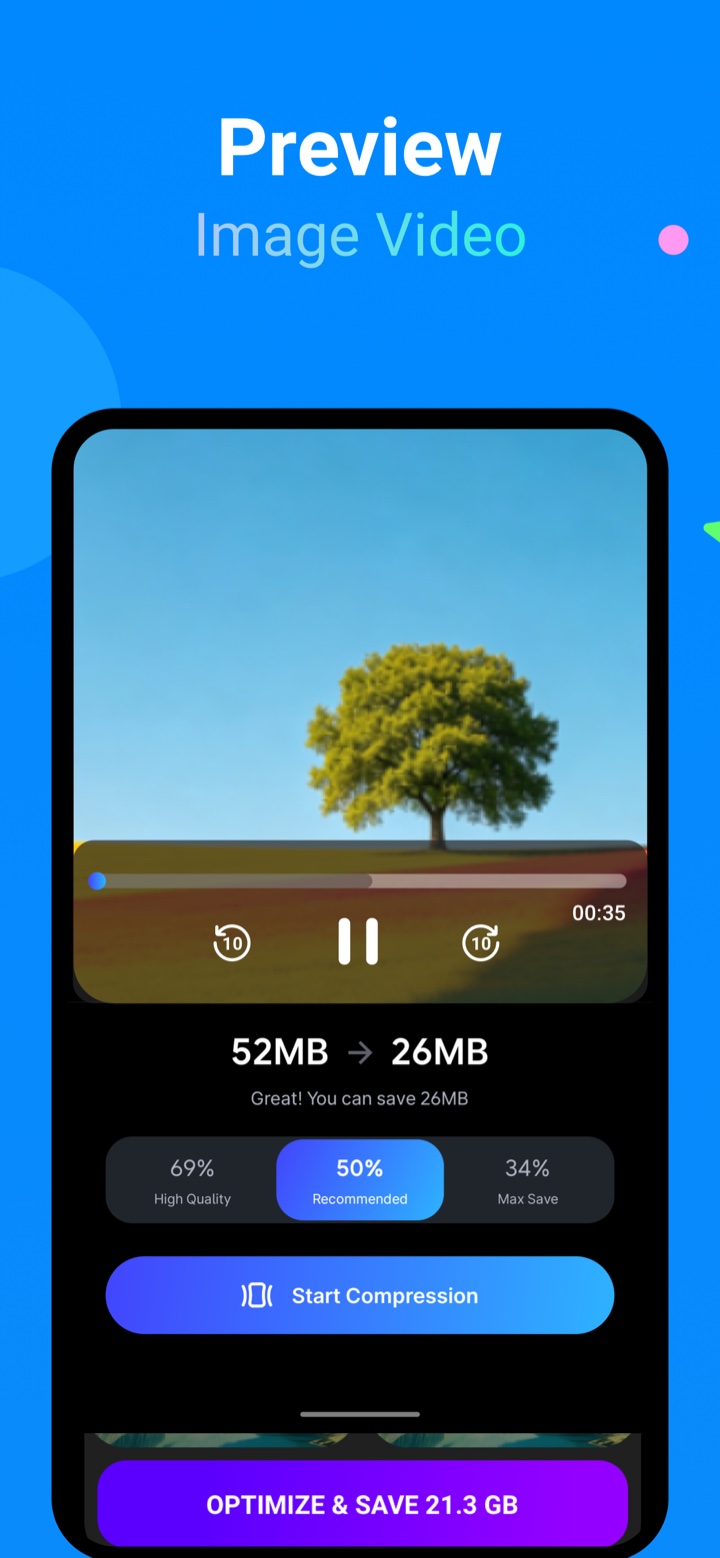
These screenshots show the current AI Cleaner iPhone experience used for storage cleanup and media review.
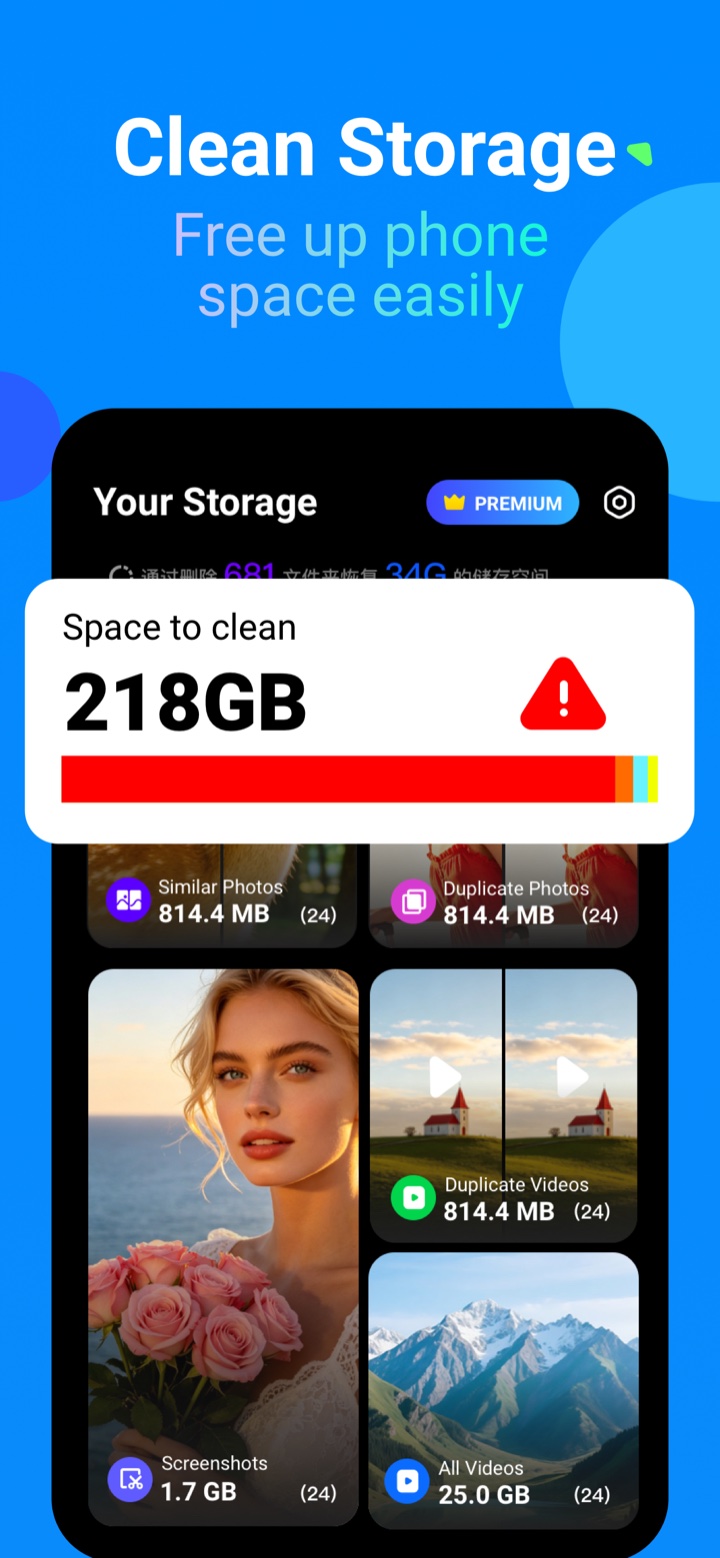
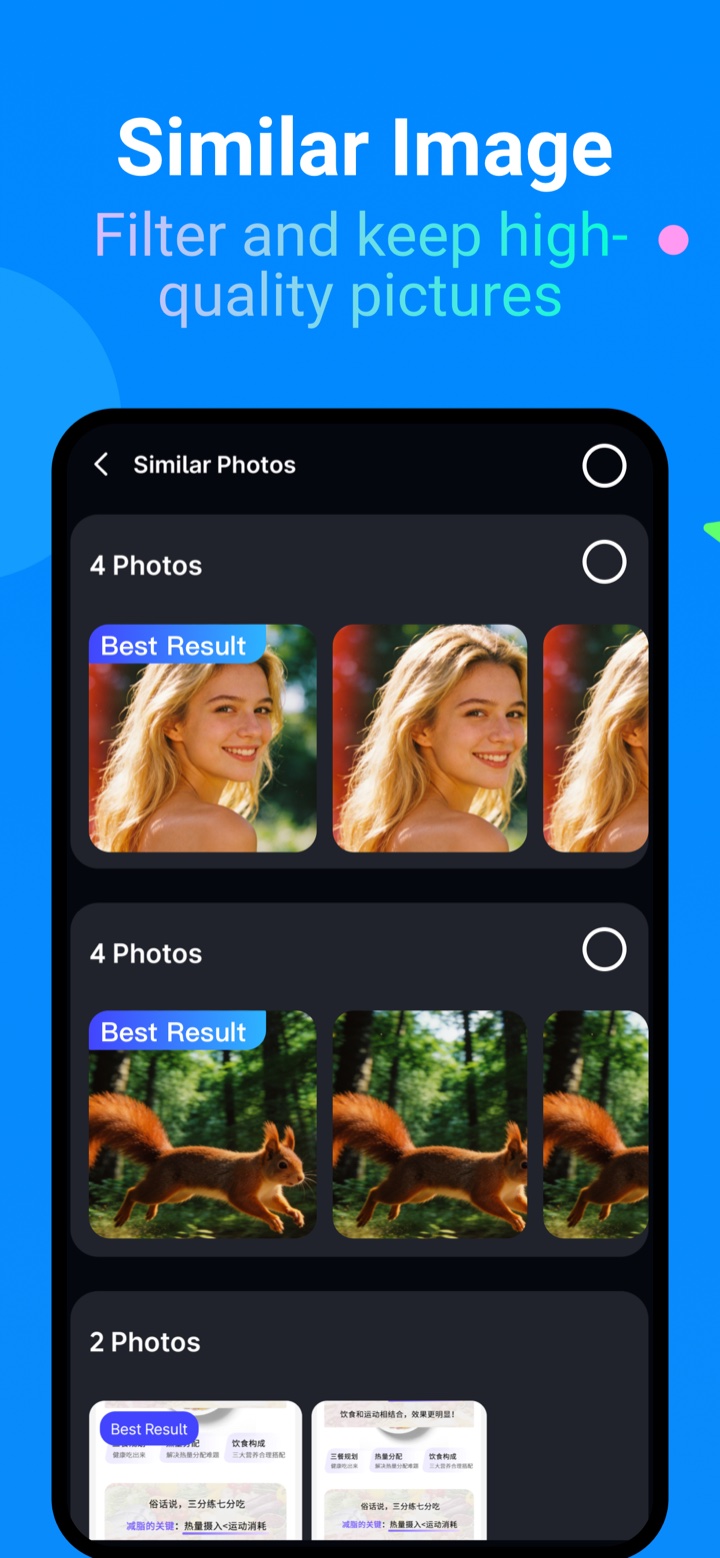
Clean Storage screenshot Similar Image screenshot Swipe Photo screenshot Preview media screenshot

What AI Cleaner helps with

AI Cleaner is review-first. The app shows candidates and lets you confirm before files or records are changed.

Photo cleanup

Review similar photos, duplicate photos, screenshots and low-quality photos before deleting.

Video cleanup

Find large videos and review video previews before taking cleanup actions.

Media compression

Compress photos and videos to reduce file size while keeping usable copies.

Contacts

Review duplicate contacts and repeated contact information before merging or deleting.

Gmail cleanup

Connect Gmail to review mailbox categories and cleanup opportunities from inside the app.

Private Vault

Move personal photos and videos into a protected private space on your device.

Common Questions

Does AI Cleaner delete files automatically?
No. AI Cleaner shows cleanup candidates first. You choose what to keep or remove and confirm destructive actions.
Why does the app request Photos access?
Photos access is required to scan, group, display and preview photos or videos you choose to review.
Why does the app request Contacts, Calendar or Gmail access?
These permissions are only used for the related tools: contact cleanup, event cleanup and Gmail cleanup. You can avoid tools you do not want to use.
Can I restore deleted photos or videos?
Items removed through iOS Photos may be recoverable from the iOS Recently Deleted album for a limited time, depending on iOS behavior and your device settings.
How do subscriptions work?
Weekly and yearly subscription options may be available in the app. Purchases, renewals, cancellations and refunds are managed through your Apple ID and App Store account settings.

Troubleshooting

Scanning feels slow or thumbnails are not ready yet.
Large libraries can take time to analyze. Keep the app open for the first scan, then return later after background indexing and cached results are available.
Cleanup results look different from another app.
Different apps use different similarity thresholds and grouping rules. AI Cleaner prioritizes reviewable groups and asks you to confirm before deleting.
Gmail cleanup is not showing data.
Confirm that the Gmail account is connected, required Google permissions are granted, and the network connection is available.
How do subscriptions work?
Open the App Store app, tap your account, then open Subscriptions to manage or cancel AI Cleaner.

Helpful links

Use these pages for App Store review, privacy questions, terms and advertising verification.